
Dark Mode: Your Map Goes Dark Automatically at Night
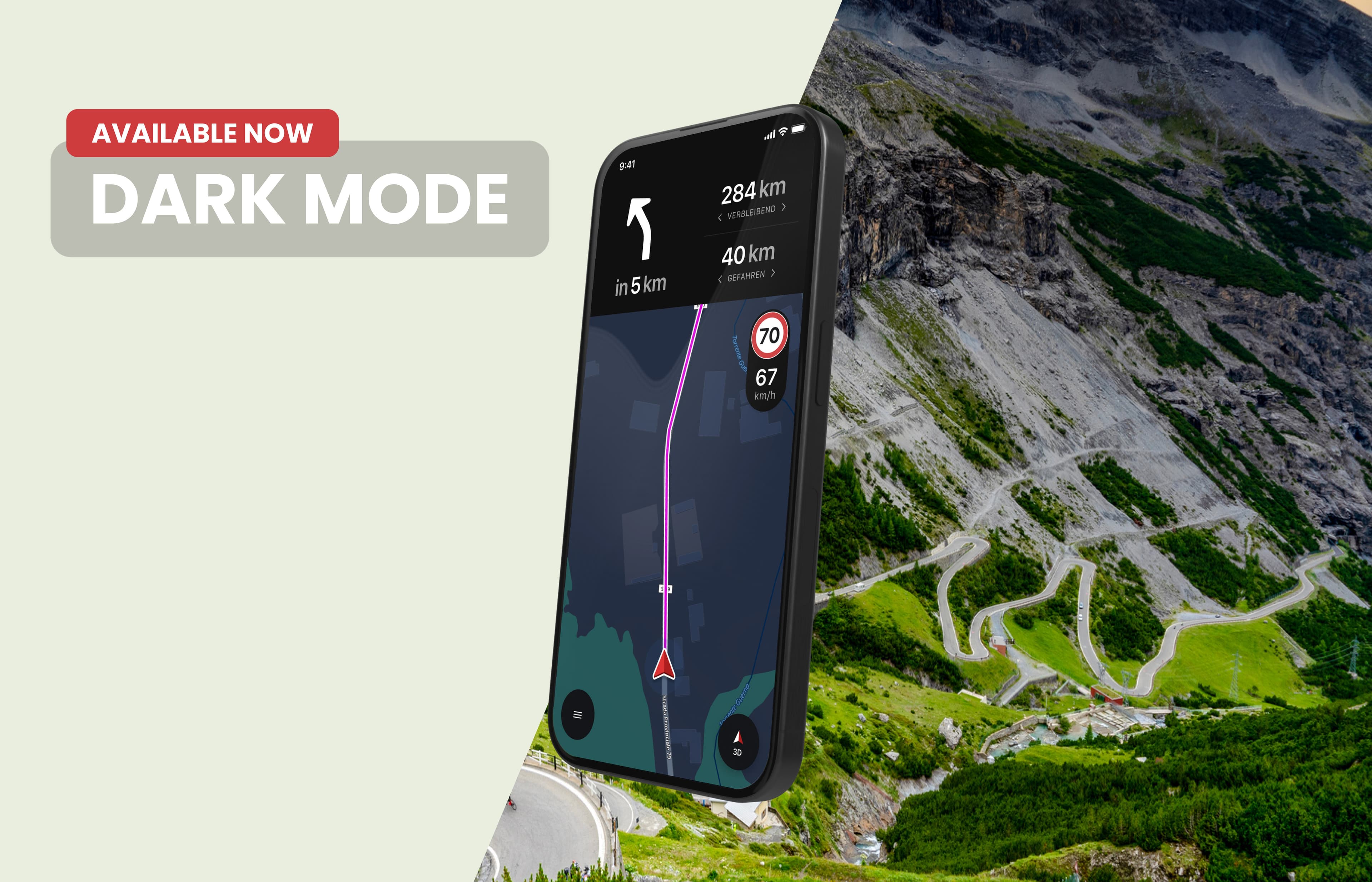
The sun has set, the road is getting dark, and the display on your handlebars is still bright as day. Not anymore: calimoto now automatically switches your map to Dark Mode based on the sun’s position.
Why it helps
A bright display can cause glare in the dark, and your eyes need time to readjust afterward. With the new Dark Mode, that’s a thing of the past.
How "Automatic" Works
In Settings, under "Display," you’ll now find three options: Light, Dark, and Automatic. "Automatic" is the default setting.
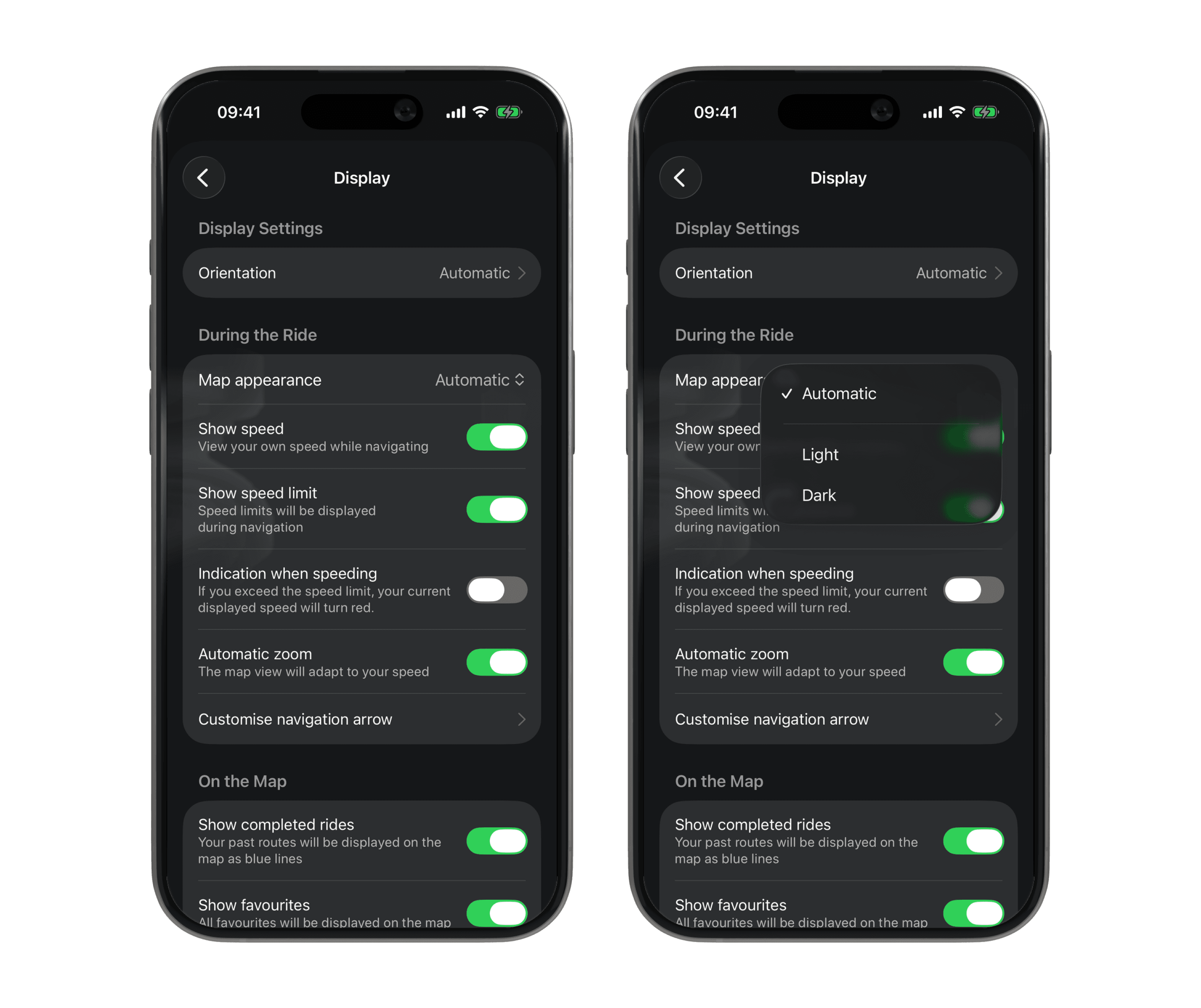
"Automatic" doesn’t follow your phone’s system-wide dark mode. It uses the sun’s position at your location. As soon as the sun is 6 degrees below the horizon, the map automatically switches to Dark.
This also works while you ride: if you set off in daylight late in the afternoon and ride into dusk, the map switches automatically. You don’t have to tap anything.
You can switch at any time
You can manually switch to Light or Dark mode at any time, even in the middle of navigation. Your selection will then be saved. If you’ve already chosen a map style, your existing setting won’t change.
Ride on
You don’t need to enable anything. Just take a look at your settings and then: ride safe, even after sunset.