
calimoto with Android Auto: Navigation, Tracking & Even More New Features
Navigation, tracking, and rides right on your Android Auto display, now with even more features and control!
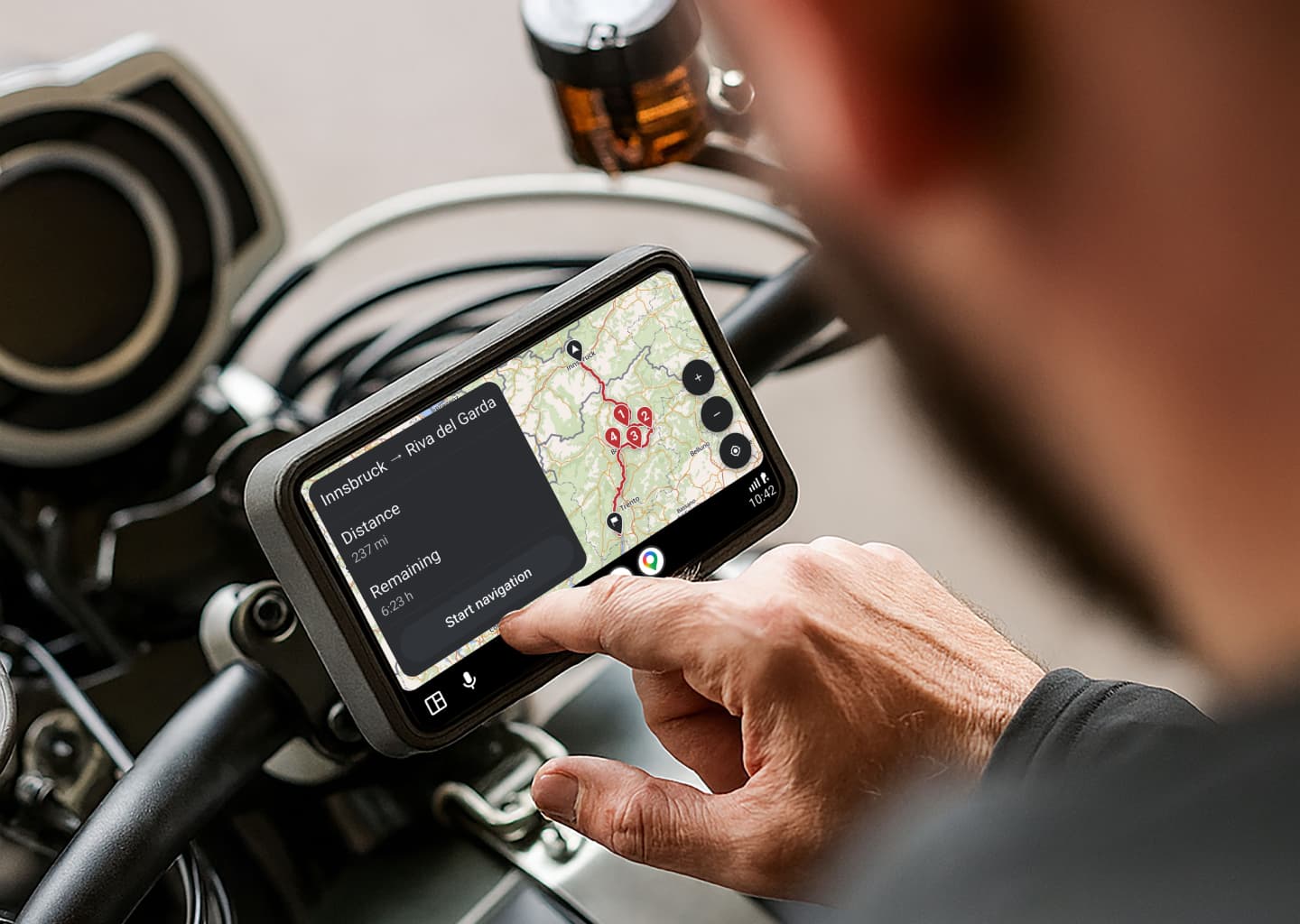
calimoto Now With Android Auto: Less Distraction and a Clear Map View
Finally available: calimoto is now compatible with Android Auto, making navigation even simpler and safer directly on your bike display.
calimoto on Android Auto: What Does It Mean for You?
Android Auto connects your smartphone to your vehicle display, allowing you to use calimoto directly there for less distraction, a clearer map view, and easy control.
The Most Important Features
🗺️ Map Display Keep a clear overview at all times with a large, easy-to-read map view directly on your display, including automatic day and night mode adjustments.
🧭 Navigation Start planned rides directly from your list or search for new destinations right on the Android Auto display, without needing to pick up your smartphone. Get clear turn-by-turn directions along with key information like distance and arrival time at a glance.
🏍️ Tracking Record your rides with a single tap and capture every curve along the way. You can pause or stop tracking at any time.
🚧 Ride Management Start rides directly from the display and manage closures along your route for even more control while riding.
How to Use calimoto with Android Auto
- Make sure you have an Android smartphone.
- Connect your smartphone to your external display or vehicle.
- Launch Android Auto.
- Open calimoto directly on your vehicle display.
- Select a planned ride or search directly on the display for your next destination.
- Start navigation and enjoy the ride.
You can find a detailed step-by-step guide for setting up Android Auto in the Google Support Center.
With Android Auto, calimoto puts your motorcycle navigation right where it belongs: directly in your line of sight. For less distraction, better clarity, and a more relaxed riding experience overall. In short: more focus on the road, more enjoyment on your bike. 🏍️